
Take it with you
Export everything you’ve saved, or delete your account for good, right from Settings.
Tasks, habits, meals, money, and the ideas that pop into your head. Aurai keeps them together, so a quick note can become tomorrow’s task and your planner knows about your habits.
Why I made Aurai
I was keeping track of my life in seven different apps: one for tasks, one for habits, one for food, one for money, one for notes, and a couple more I’ve forgotten. Each one only knew its own little piece, so nothing connected.
I wanted one place to put everything, where the pieces could work together. So I built it. Then it kept growing: a planner that knows your habits, an assistant that can see the whole picture, and Ori, who keeps you company along the way.
“I just wanted one place for everything. This is it.”— The founder
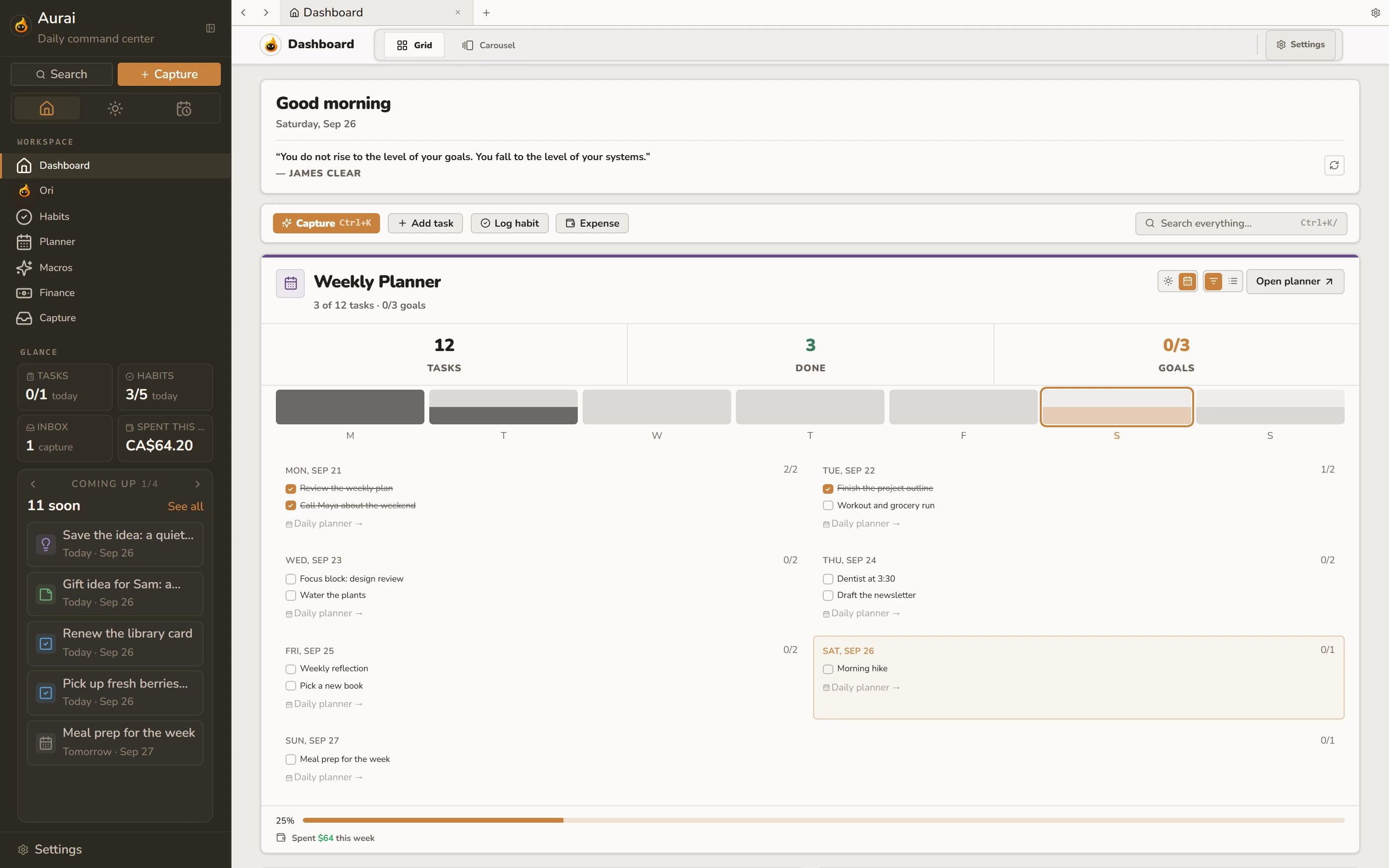
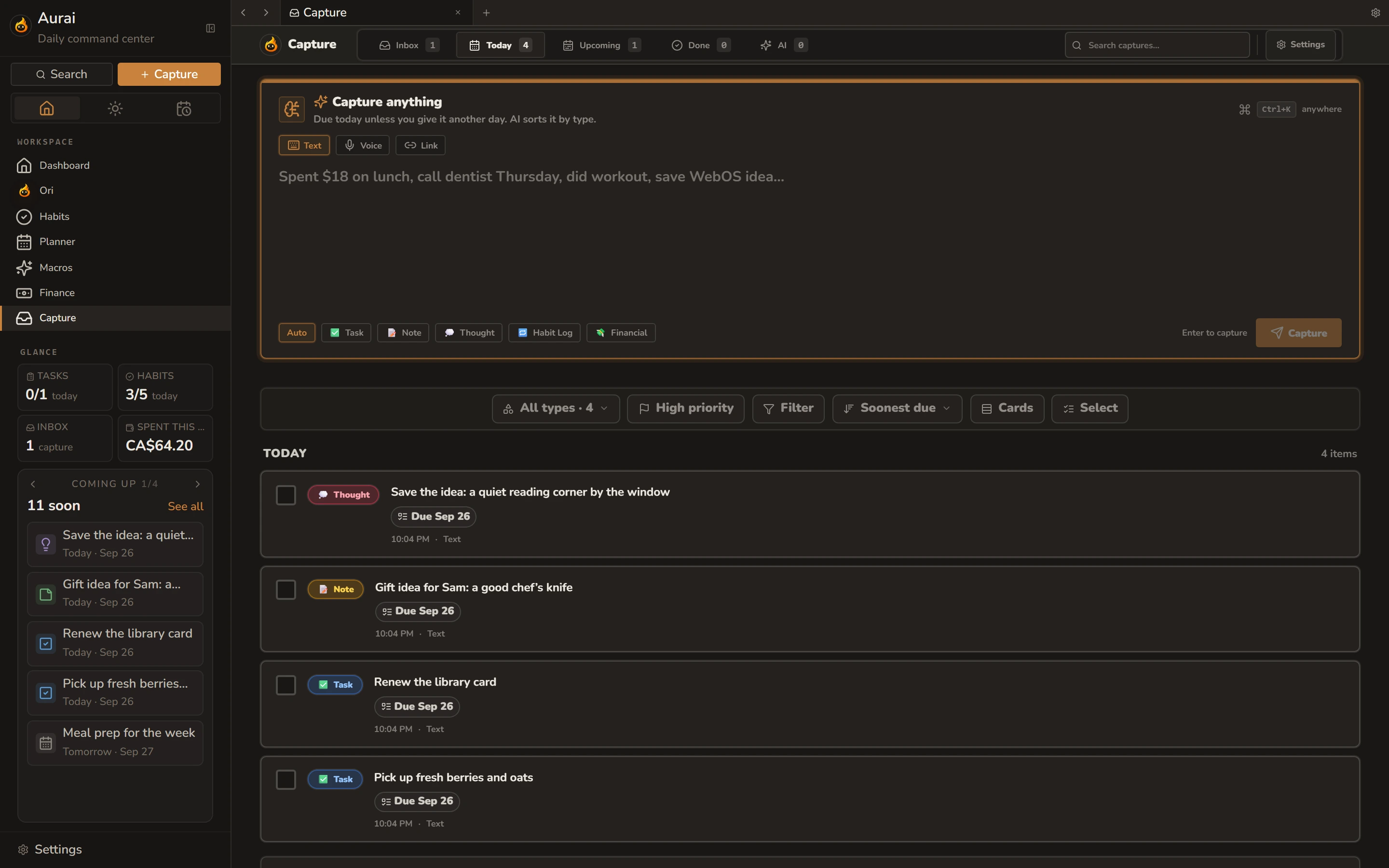
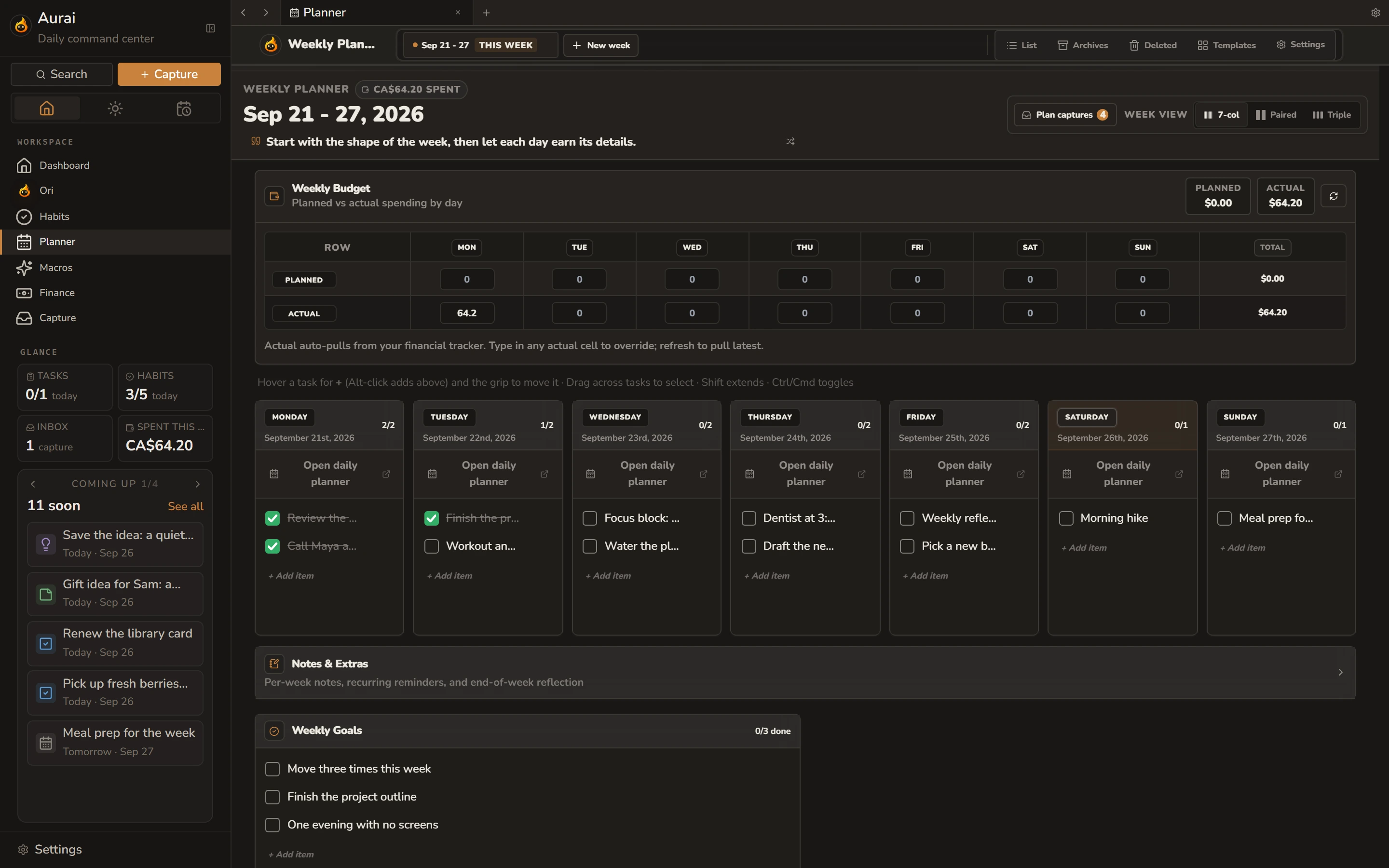
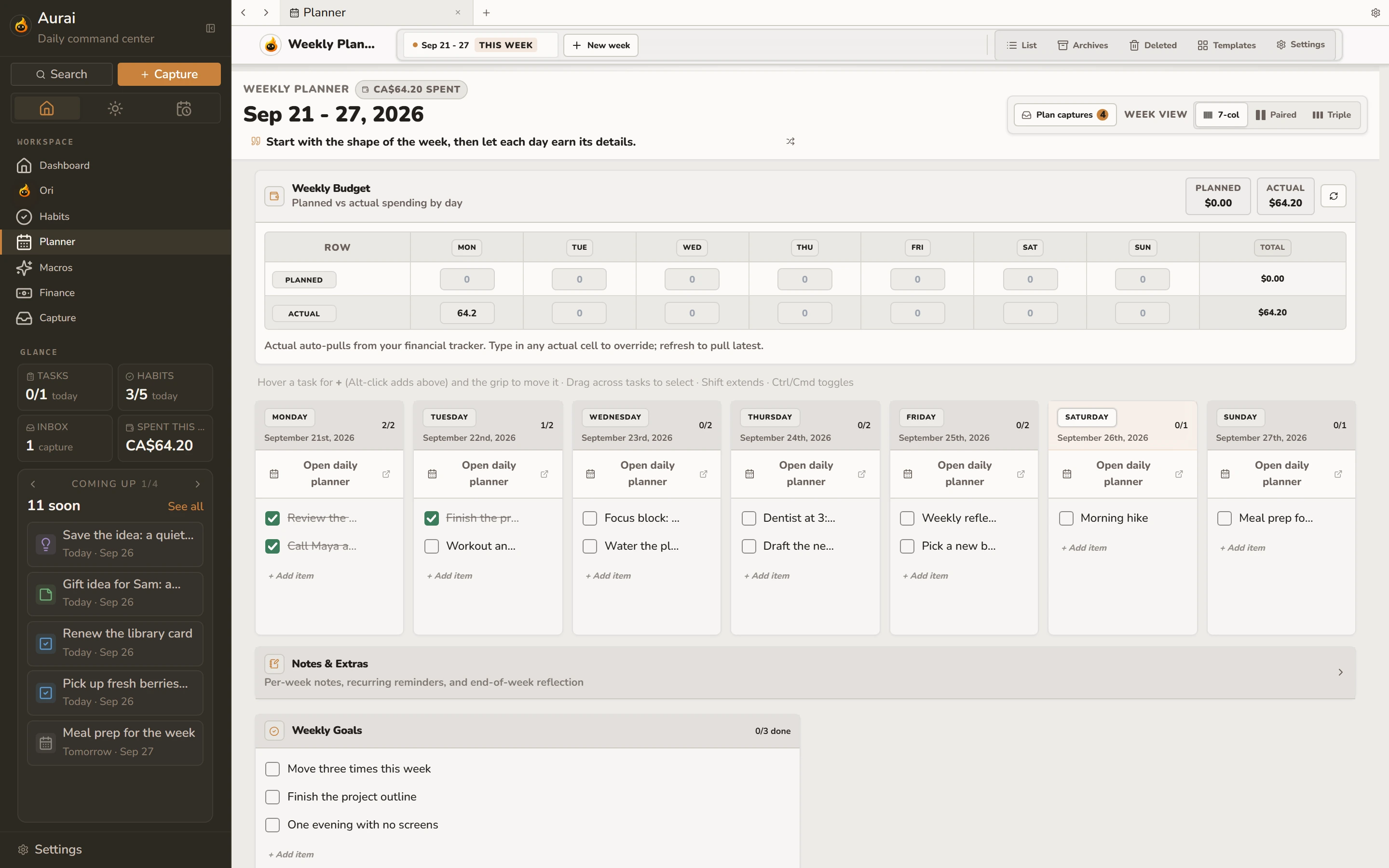
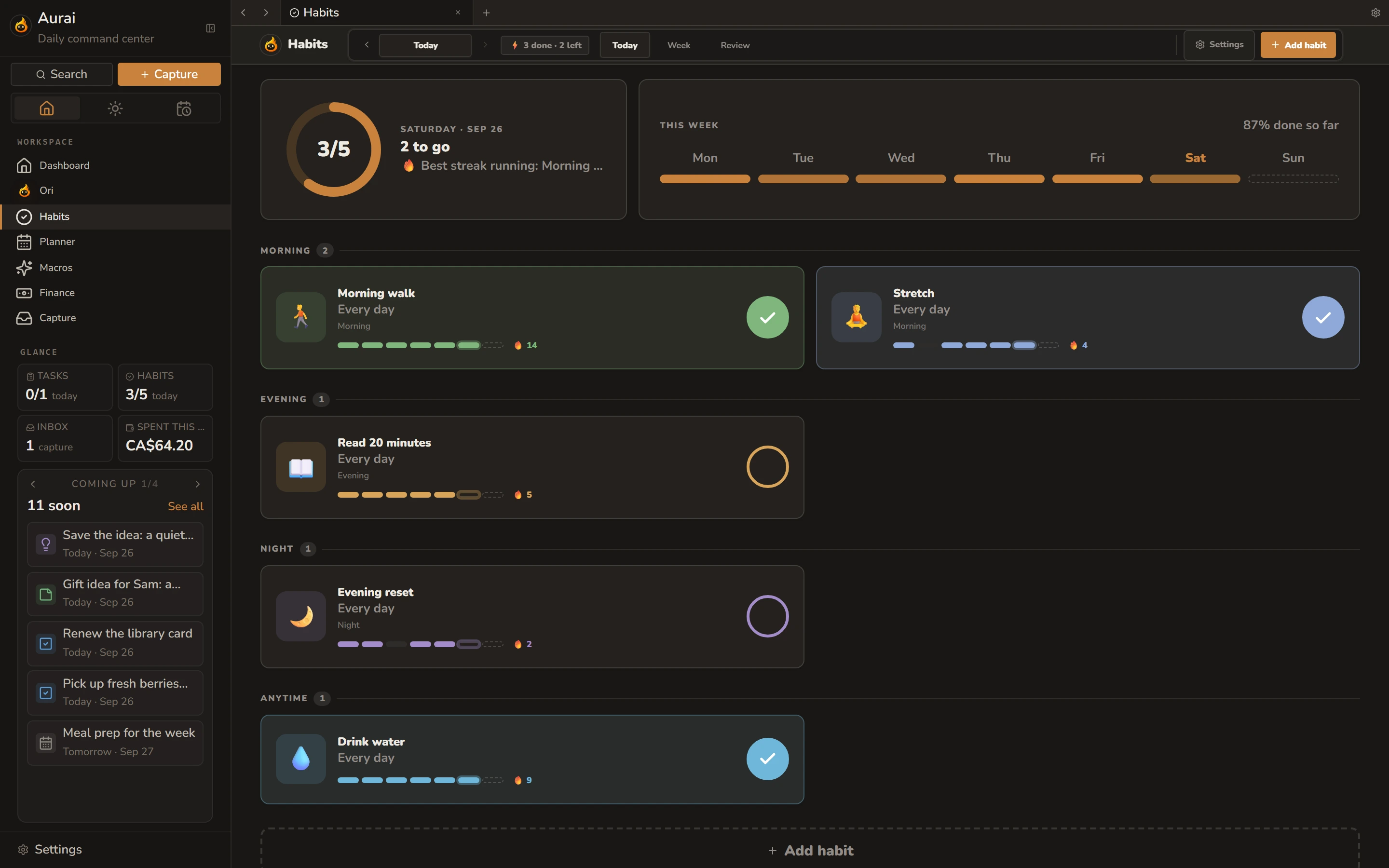
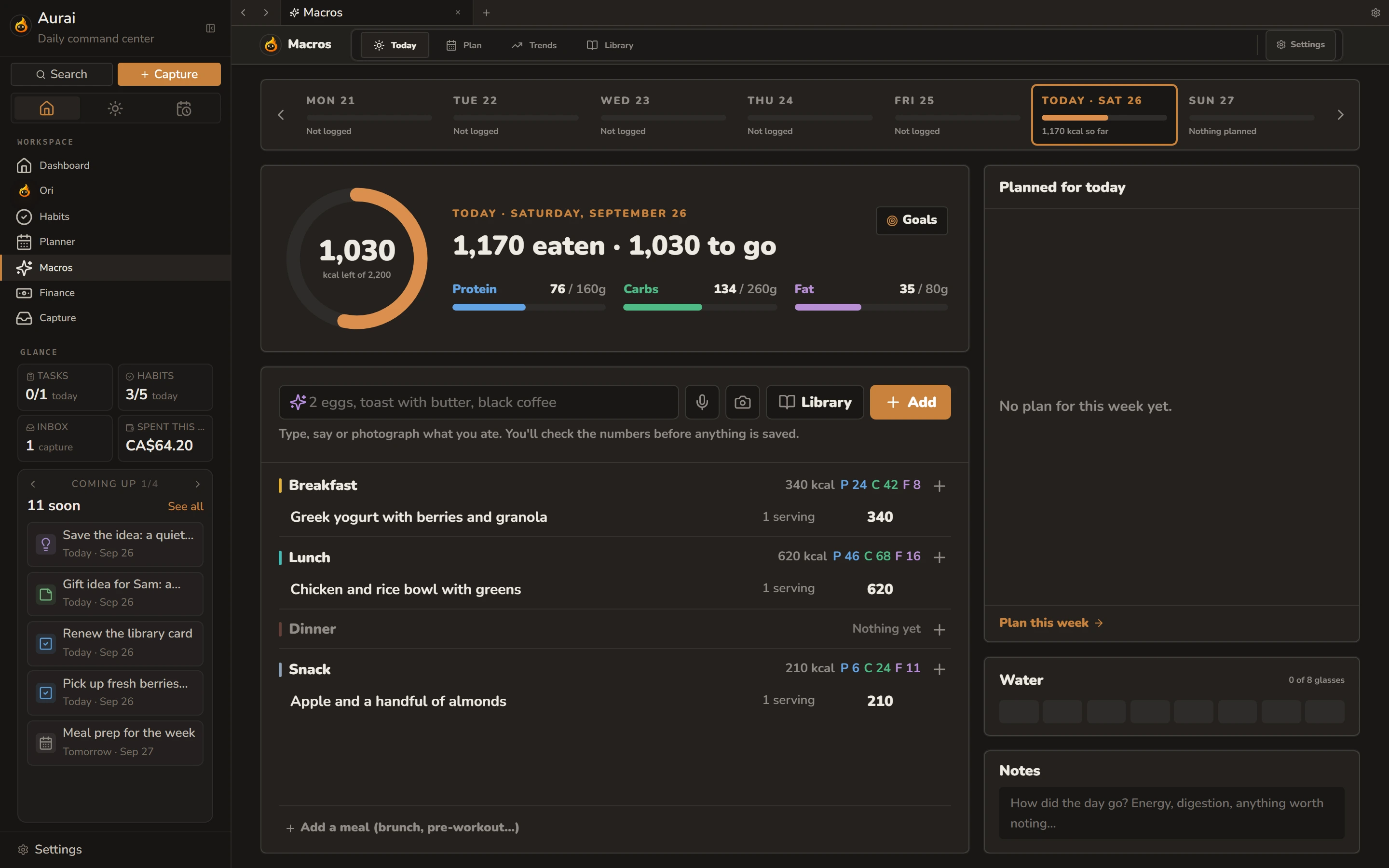
Planner, Habits, Capture, Macros, Finance, and Ori. Use one or all of them. Jot something down and drop it straight into your week, then ask Ori about any of it.
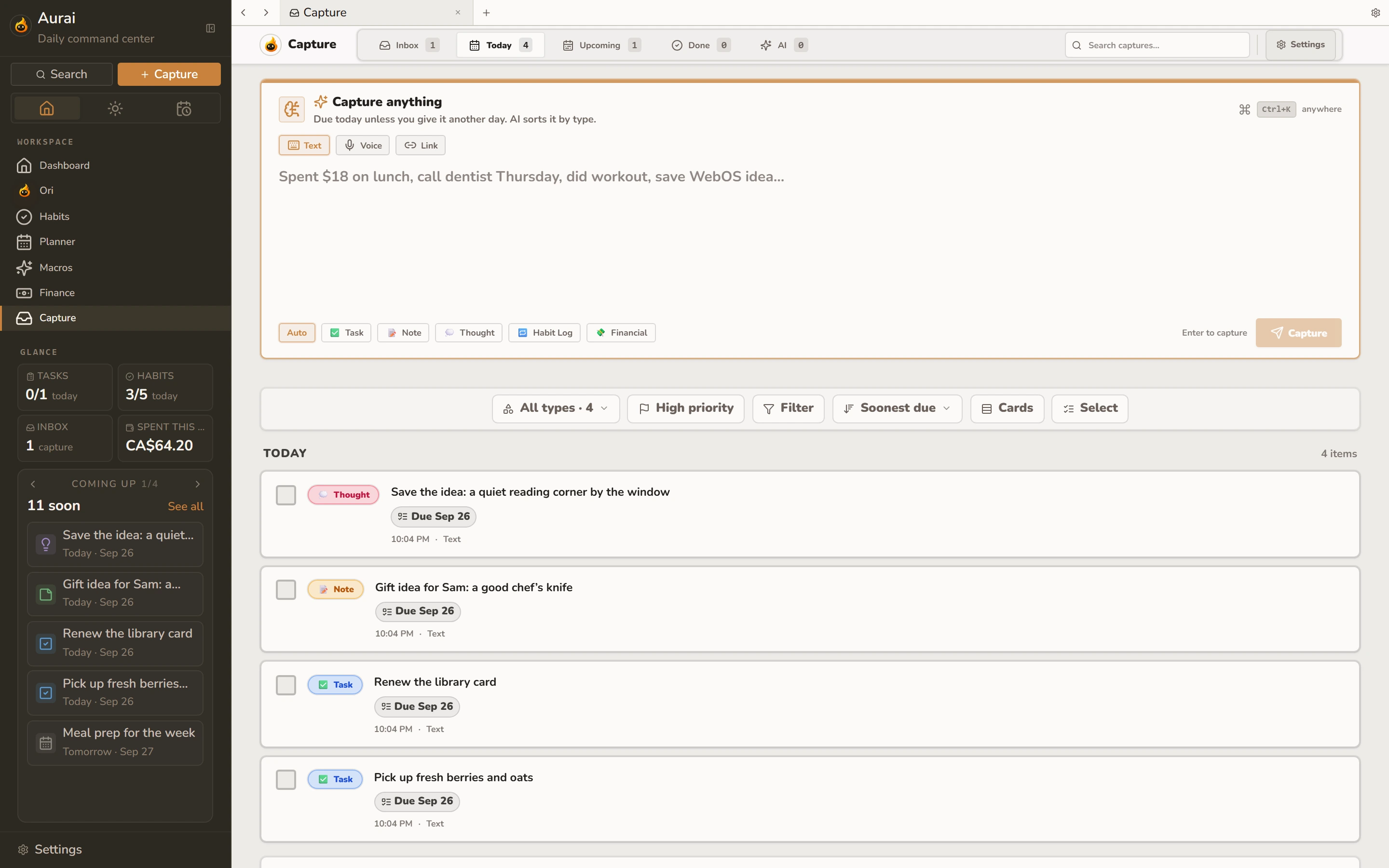
Type or say anything the moment you think of it. It’s due today unless you pick another day, and you can sort it later.
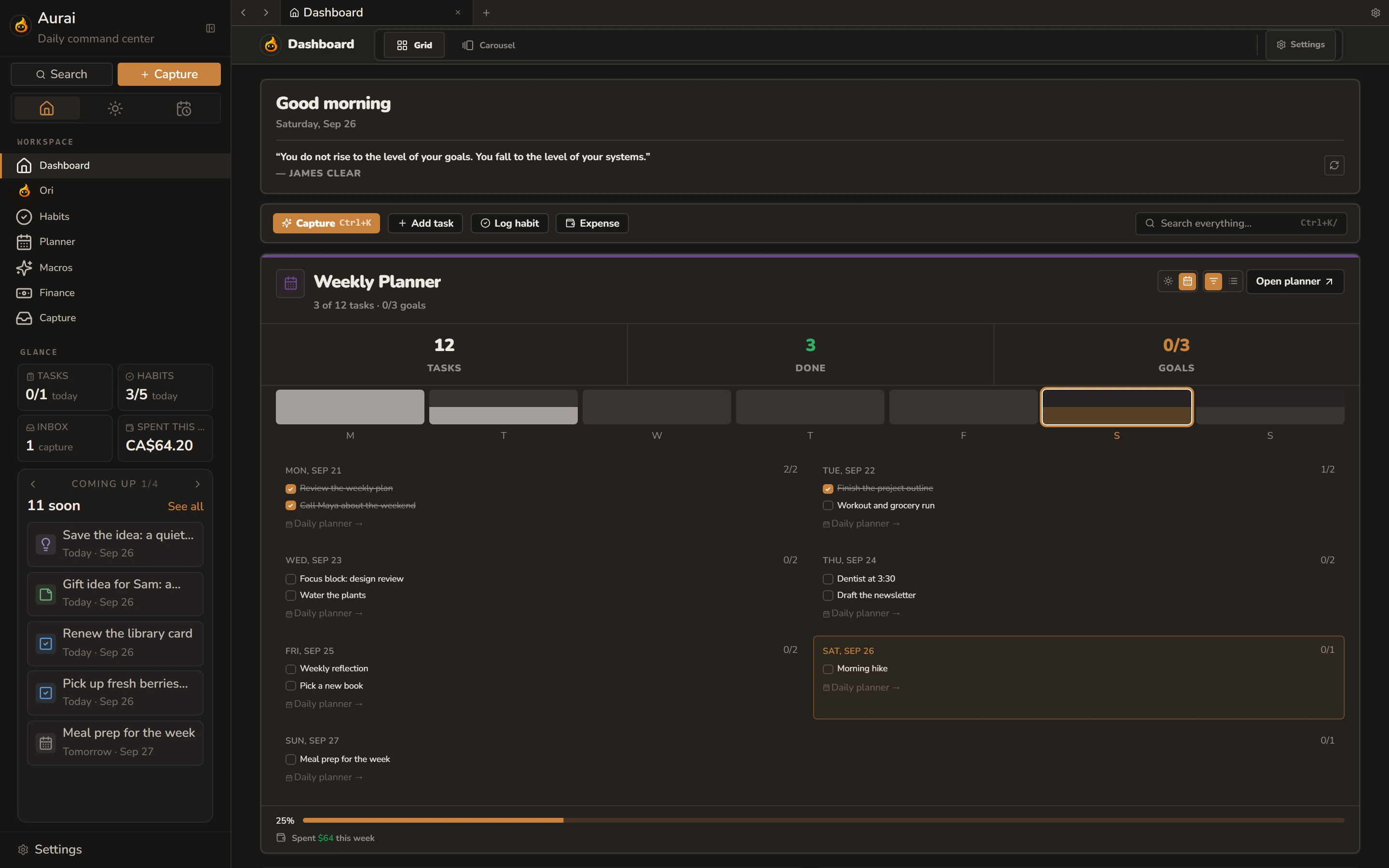
Lay the week out, then work through it one day at a time. Anything you jot down can go straight onto a day.
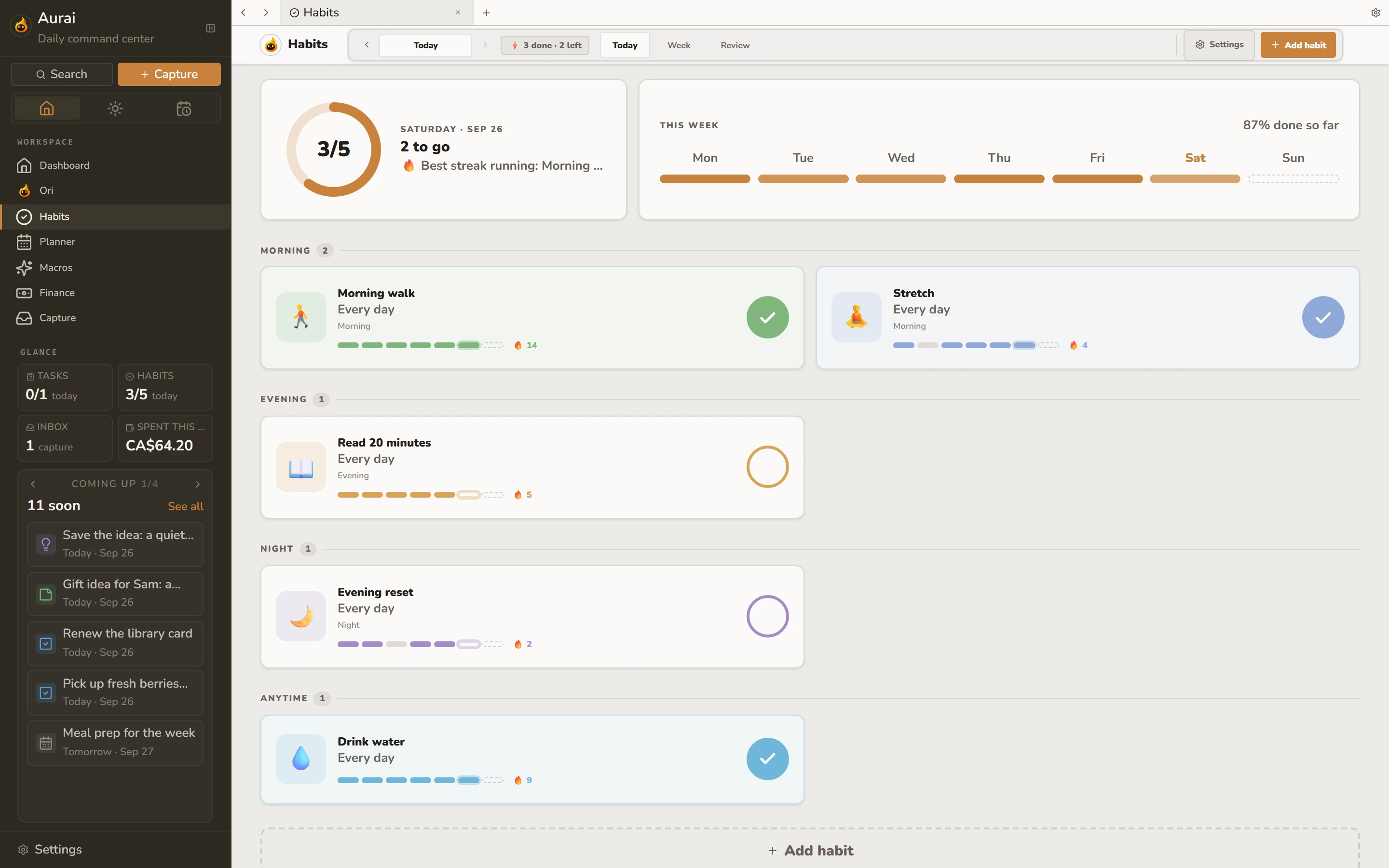
Tick them off and watch the weeks fill in, without anything nagging you about a missed day.
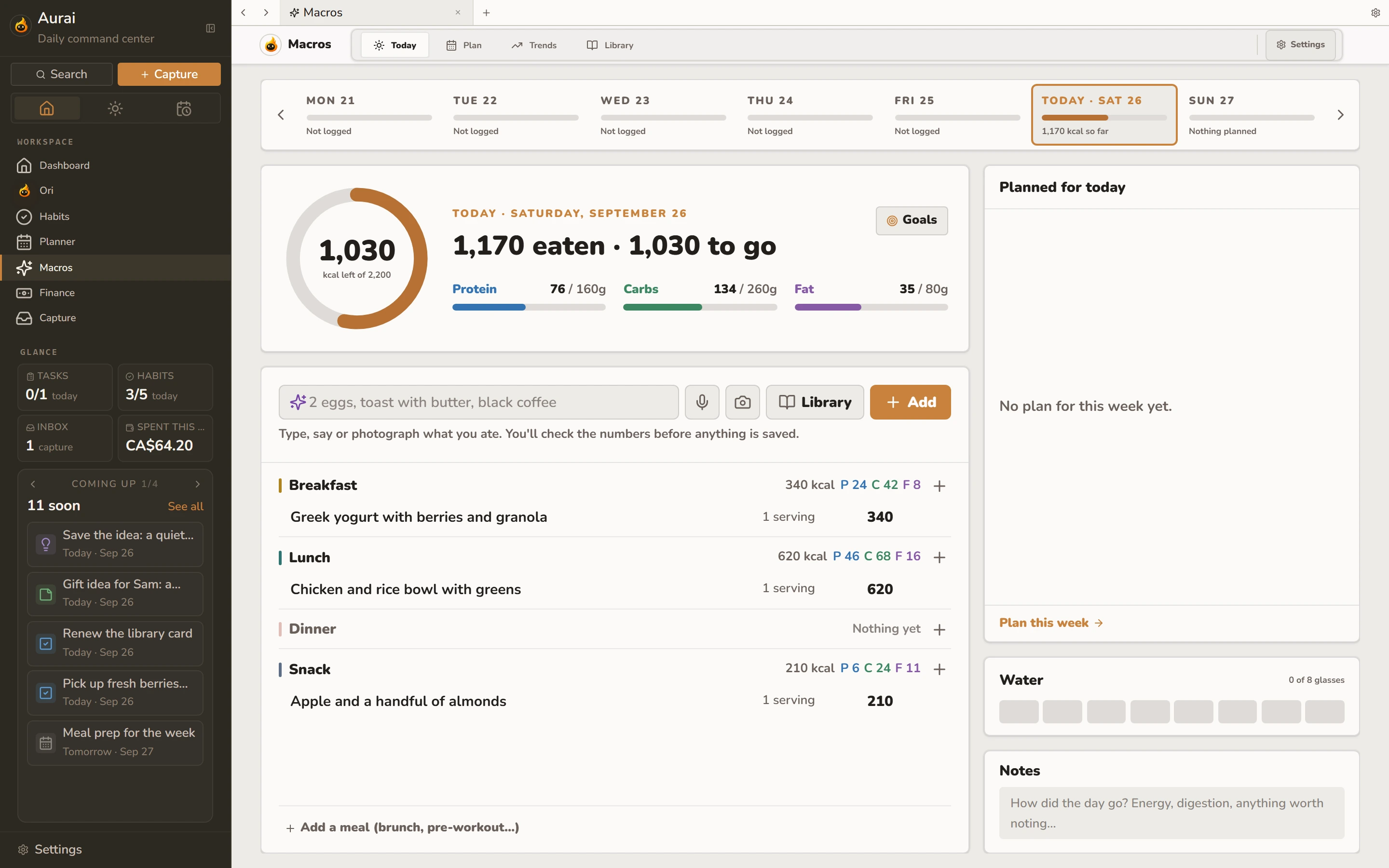
Log meals and see your calories, protein, carbs and fat against your goals.
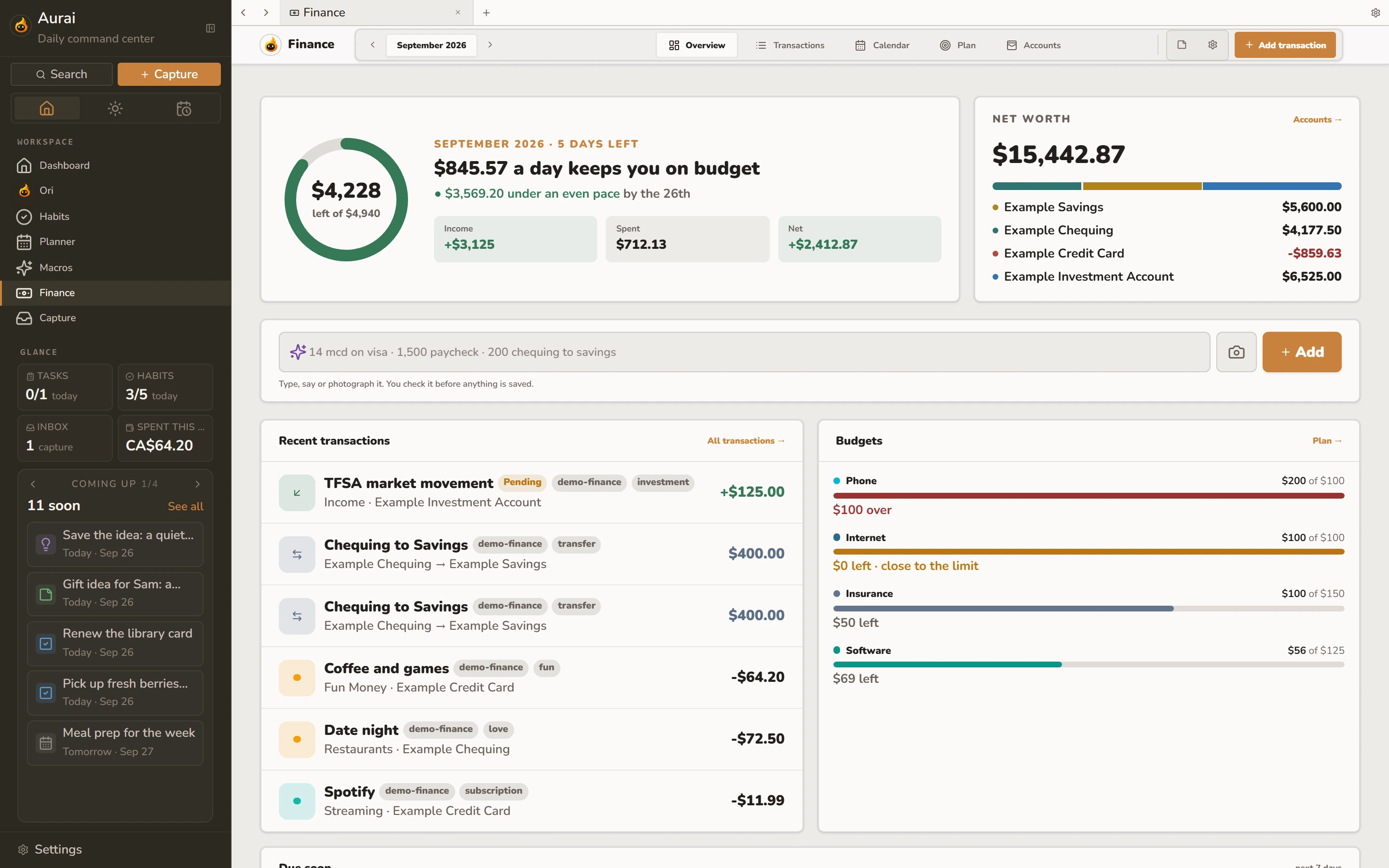
Your accounts, spending and bills together, so you can see where your money goes each month.
Ori is the little flame who lives in Aurai. Ask about your day, your habits or your spending, and Ori answers from what you’ve saved. When Ori suggests a change, you see it first and decide.

Export everything you’ve saved, or delete your account for good, right from Settings.
If something breaks, you see the report before it’s sent. Passwords, cookies and sign-in tokens are never included.
Encrypted backups, sign-up by invite, and checks that stop anyone flooding the service.
One account everywhere, and everything stays in sync.
All of Aurai, nothing to install.
Open Aurai web →Opens with your computer, updates itself, and Ori can sit on your desktop. The Mac version is being tested now.
Get private access →Jot things down, check your day and talk to Ori on the go.
Aurai isn’t open to everyone yet while I get everything right. Leave your email and I’ll let you know the moment it opens.
Get the desktop app or open Aurai in your browser.
Not yet. It’s invite-only while I finish the basics: accounts, password recovery, the desktop apps and support.
It can replace several of them, but you don’t have to switch everything at once. Start with one part and add more when it helps.
Send a report from Help & feedback inside Aurai. You see what’s in it before it’s sent, and a real person reads every one.
The Mac app is being tested now and will be on the Download page soon. The iPhone app is coming to the App Store. They all use the same account.